
5 Ways a New Copier Can Improve Employee Productivity
5 Ways a New Copier Can Improve Employee Productivity
Estimated Read Time: 4 Minutes
In today’s busy business environment, every minute matters.
Many companies invest in software, team tools, and automation platforms to help employees work better. However, they often overlook one of the most used devices in the office: the copier.
A new copier can do far more than print and copy documents. Today’s multifunction printers help simplify daily tasks, improve teamwork, protect information, and reduce the time employees spend on manual work.
As a result, the right copier can become a simple way to help your team work smarter.
If your office still relies on older equipment, upgrading to a modern multifunction printer may be one of the easiest ways to improve employee productivity across your organization.
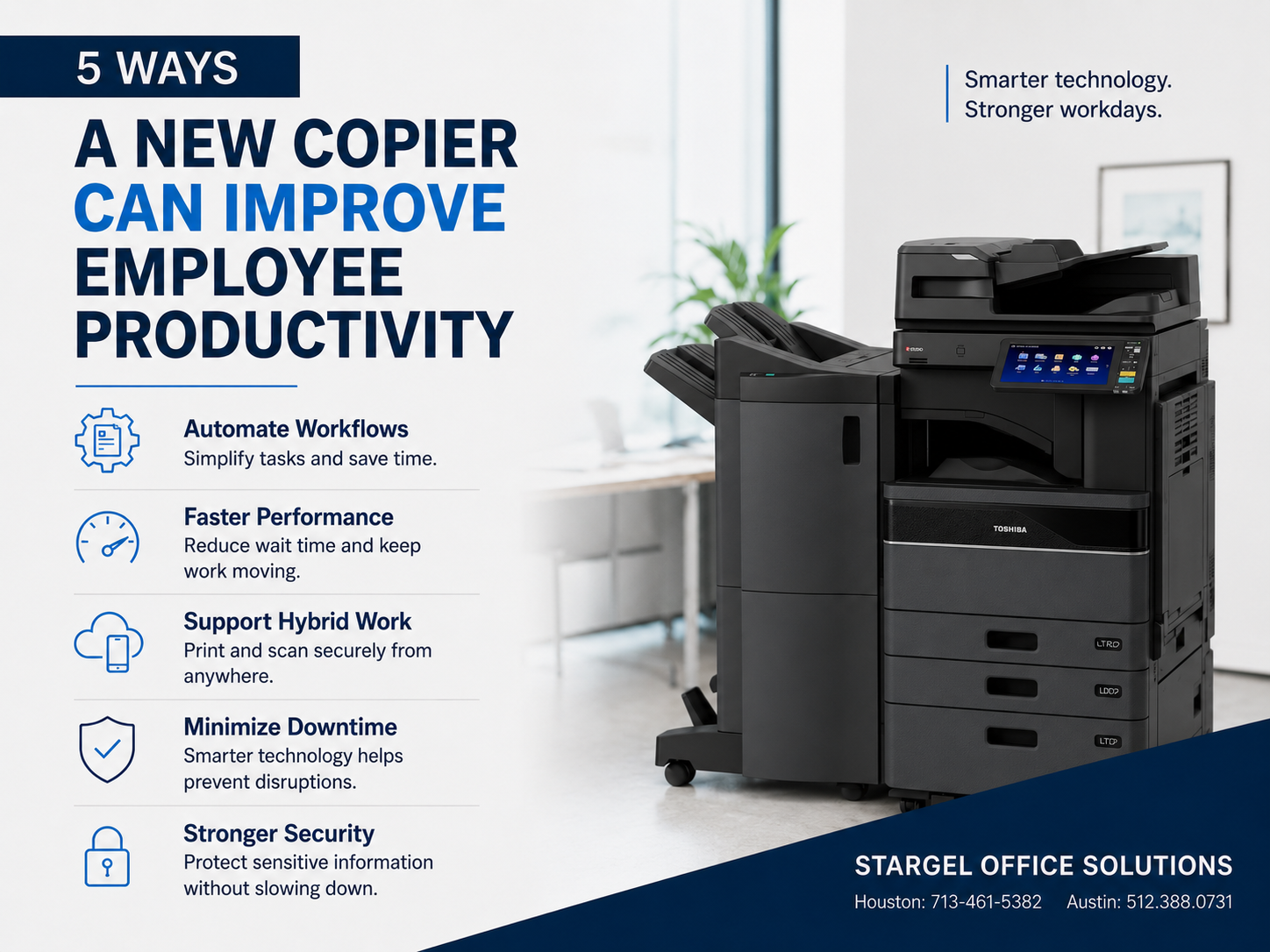
1. Automate Everyday Document Workflows
Think about how often employees scan documents, rename files, save them to folders, and email them to coworkers.
Each task may only take a few minutes. However, those minutes can add up quickly during a busy workday.
Today’s copiers can help automate these steps with one-touch workflows. For example, employees can scan a document once, and the copier can automatically:
- ? Convert it into a searchable PDF
- ? Name the file using set rules
- ? Send it to the right department
- ? Save it to Microsoft 365, SharePoint, Google Drive, or another cloud platform
- ? Email the right team members
Instead of completing several manual steps, employees can press one button and move on to their next task.
Productivity Gain: Less time spent on paperwork means more time focused on customers, projects, and business growth.
2. Reduce Waiting Time with Faster Performance
Older copiers often slow down the workday.
For example, employees may wait for large print jobs to finish, deal with paper jams, or experience delays while documents process.
A new copier can help reduce these delays with faster and more reliable performance. Modern multifunction printers often include:
- ? Faster print speeds
- ? Quick first-page-out times
- ? High-capacity paper trays
- ? Automatic two-sided printing
- ? Finishing options, such as stapling and booklet creation
Because of these improvements, employees spend less time standing at the copier and more time doing meaningful work.
Productivity Gain: Faster performance helps keep work moving and reduces delays throughout the day.
3. Support Hybrid and Mobile Work
Today’s workforce is more mobile than ever.
Whether employees work from the office, at home, or on the road, they need quick and secure access to documents.
Modern copiers support this need by connecting with common cloud platforms and mobile devices. With the right device and setup, employees can:
- ? Print from smartphones and tablets
- ? Scan directly to cloud storage
- ? Access shared files securely
- ? Retrieve print jobs from multiple office locations
- ? Use badge or PIN login for secure printing
As a result, employees can stay productive without being tied to one office, desk, or workstation.
Productivity Gain: Teams can work together more easily and access documents from wherever work happens.
4. Minimize Downtime with Smarter Technology
Equipment problems can bring productivity to a stop.
Frequent service calls, toner shortages, and unexpected breakdowns can interrupt work and frustrate employees.
Fortunately, new multifunction copiers include smarter tools that help reduce downtime and improve reliability. These features may include:
- ? Maintenance alerts
- ? Remote diagnostics
- ? Automatic firmware updates
- ? Real-time toner monitoring
- ? Proactive service notifications
Because of these tools, service teams can often find and fix issues before they affect users.
Productivity Gain: Reliable equipment means fewer interruptions, smoother workflows, and more consistent performance.
5. Improve Security Without Adding Complexity
Employees handle sensitive information every day.
This may include customer records, financial documents, HR files, contracts, invoices, and other private materials.
A new copier can help protect this information with built-in security features that remain simple for employees to use. These features may include:
- ? Secure Print Release
- ? User Authentication
- ? Encrypted Hard Drives
- ? Automatic Data Overwrite
- ? Role-Based Access Controls
- ? Audit Logs
These tools help ensure that only approved users can access private documents.
At the same time, they help keep the process simple for employees.
Productivity Gain: Employees can work with confidence, knowing documents stay protected without adding extra steps to their day.
The Hidden Cost of Outdated Equipment
Many businesses keep older copiers because they still work.
However, the true cost of outdated equipment is not only repair expense. It is also lost employee time.
For example, your team may lose time through:
- ? Waiting for slow print jobs
- ? Reprinting failed documents
- ? Searching for scanned files
- ? Manually organizing paperwork
- ? Dealing with frequent equipment downtime
Even saving just 10 minutes per employee each day can add up to hundreds of hours recovered over the course of a year.
Invest in Productivity, Not Just Equipment
A modern copier is not just another office machine. It is an investment in your team’s efficiency.
By automating repeat tasks, improving reliability, supporting hybrid work, and strengthening document security, today’s multifunction devices help employees focus on the work that matters most.
At Stargel Office Solutions, we help organizations review their current print environment and recommend technology that improves workflows, reduces operating costs, and supports long-term business growth.
If your current copier is slowing your team down, now may be the perfect time to see what today’s technology can do.
Stargel Office Solutions can help you choose the right copier, improve productivity, and keep your office moving.