
Microsoft 365 Backup: Is Your Business Data Really Protected?
Microsoft 365 Backup: Is Your Business Data Really Protected?
Estimated Read Time: 4 Minutes
Microsoft 365 backup is an important part of protecting the business data your company uses every day.
Microsoft 365 has become the backbone of the modern workplace. Email lives in Outlook. Documents are stored in OneDrive and SharePoint. Teams supports daily collaboration. In addition, calendars, contacts, spreadsheets, proposals, contracts, and customer files often live in the Microsoft cloud.
Because of this, many businesses make one dangerous assumption:
“Microsoft has our data, so Microsoft must be backing it up.”
However, the reality is more complicated.
Microsoft provides a strong and reliable cloud platform. However, cloud availability and data backup are not the same thing.
That difference matters because your business can still lose access to important data even when Microsoft 365 is working exactly as designed.
Does Microsoft 365 Automatically Back Up Everything?
Microsoft protects the Microsoft 365 platform, but your business still has responsibility for its data.
Microsoft operates large data centers designed to keep Microsoft 365 services available. As a result, the platform includes strong service continuity and data resiliency.
However, businesses should not confuse platform uptime with a complete backup and recovery plan.
In simple terms, Microsoft works to keep Microsoft 365 running. Your organization still needs to make sure its email, files, users, settings, and critical business information can be restored when something goes wrong.
For additional background, Microsoft explains that Microsoft 365 Backup provides backup and restore capabilities for Exchange Online, OneDrive, and SharePoint. Learn more about Microsoft 365 Backup from Microsoft.
How Does Microsoft 365 Data Get Lost?
When people think about data loss, they often picture a server crash or a failed hard drive.
In the cloud, the risks look different.
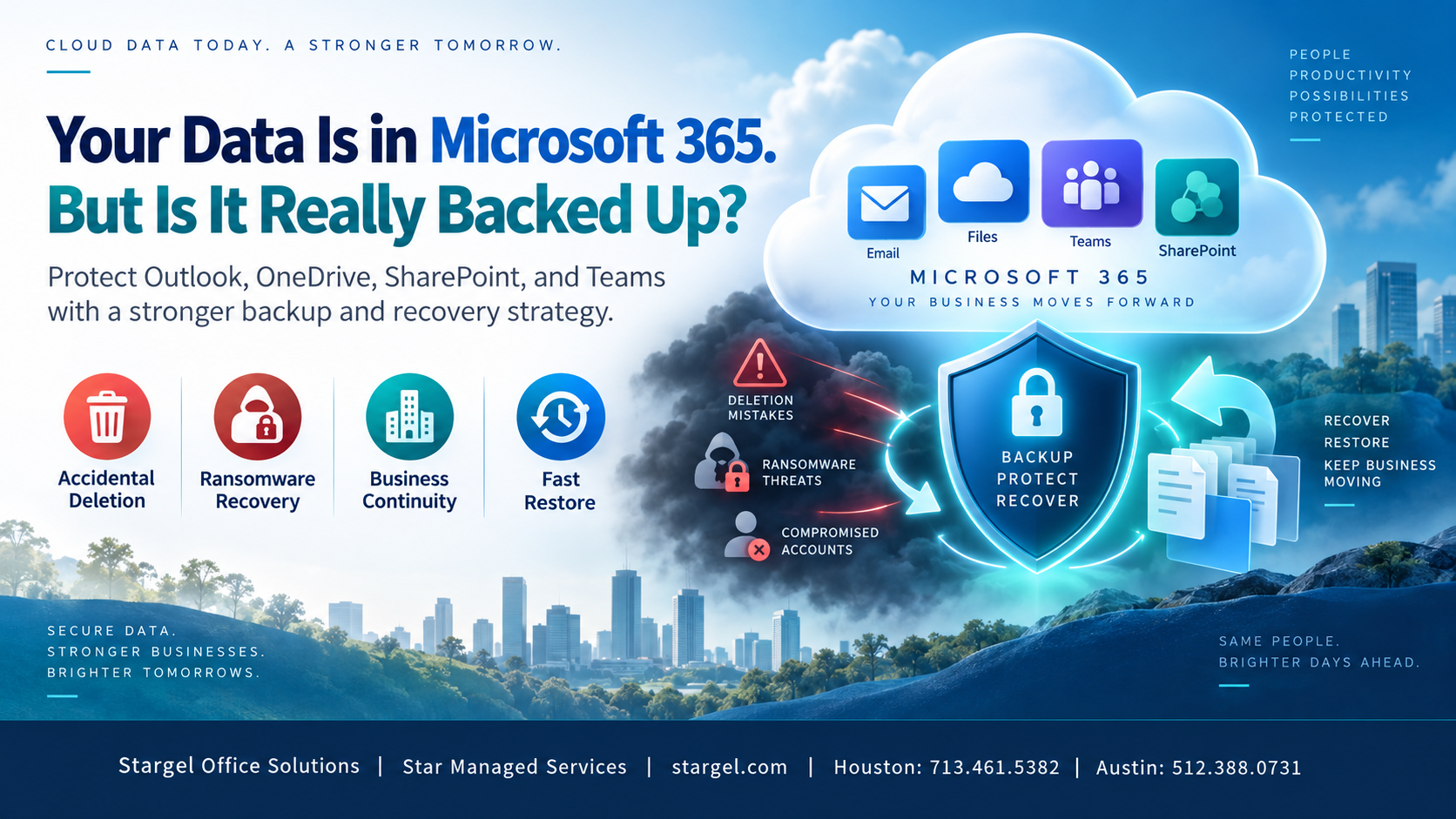
Even though Microsoft 365 stores data in the cloud, businesses can still lose files, emails, folders, and important records through user mistakes, cyberattacks, account compromise, or poor recovery planning.
1. Accidental Deletion Can Create Real Business Risk
Employees delete things every day.
Sometimes they delete one email. Other times, they delete an entire folder. For example, someone may reorganize a SharePoint site and realize weeks later that important files disappeared during the process.
The bigger issue is timing.
Organizations do not always discover missing data right away. Therefore, a file deleted today may not become a problem until weeks or months later.
That raises an important question:
If critical information disappeared three months ago, would your IT team know where to find it and how to restore it?
2. Ransomware Can Affect Cloud Data
Ransomware is not limited to traditional servers and computers.
A compromised account or infected device may allow files to be encrypted, changed, synchronized, or deleted in cloud environments.
Because of that, businesses should think beyond prevention alone.
The question is not only:
“Do we have cybersecurity?”
The better question is:
“If our cybersecurity fails, can we recover?”
A strong Microsoft 365 backup strategy can help answer that question with more confidence.
3. Malicious Employees and Compromised Accounts Can Cause Data Loss
Not every deletion happens by accident.
A former or unhappy employee with access to company data could intentionally delete files, emails, or other important information before leaving the organization.
Similarly, an attacker who gains access to a real user account may use that employee’s permissions to change, delete, or damage data.
Strong identity security can reduce this risk. However, businesses should also have a recovery plan in case preventive controls fail.
4. Retention Is Not the Same as Microsoft 365 Backup
Microsoft 365 includes helpful tools such as retention policies, recycle bins, version history, and recovery features.
These tools matter. However, they do not always replace a dedicated Microsoft 365 backup strategy.
Retention usually focuses on preserving information based on company policies, legal needs, or compliance rules.
Backup focuses on a different question:
“Something went wrong. How quickly can we restore the information we need?”
That distinction is important.
Microsoft now offers Microsoft 365 Backup for Exchange Online, OneDrive, and SharePoint. In addition, Microsoft supports third-party backup solutions.
The existence of dedicated Microsoft 365 backup tools reinforces an important point: cloud storage and backup solve different problems.
Microsoft 365 Backup Has Changed
This conversation matters even more today because Microsoft has expanded its own backup capabilities.
Microsoft 365 Backup can help protect Exchange Online mailboxes, OneDrive accounts, and SharePoint sites.
For example, Microsoft states that Exchange restore points are available every 10 minutes for the prior year. Microsoft also states that OneDrive and SharePoint restore points are available every 10 minutes for the previous 14 days, then weekly from 14 days to 365 days.
That can give businesses more recovery options, but only when backup protection has actually been configured.
In other words, simply subscribing to Microsoft 365 does not automatically mean your business has a complete Microsoft 365 backup strategy.
Backup Is Only Half of the Conversation
Many businesses ask one basic question:
“Is our data backed up?”
However, that is only part of the issue.
A backup only helps if your business can restore from it quickly and correctly.
Therefore, a strong business continuity strategy should answer questions like:
- What information are we protecting?
- How often are we protecting it?
- How long do we keep backups?
- Who can access or delete backups?
- How quickly can we restore an employee mailbox?
- Can we recover an entire SharePoint site?
- What happens if hundreds or thousands of files are encrypted?
- When did we last test a recovery?
That final question may be the most important.
Discovering that your backup strategy does not work during a ransomware attack is far too late.
Think About Recovery, Not Just Backup
Businesses should treat Microsoft 365 backup as part of a larger business continuity plan.
Imagine arriving at work tomorrow and discovering that employees cannot access years of company information.
How long could your organization operate?
- An hour?
- A day?
- Several days?
Also, how much would that downtime cost?
Could employees communicate with customers? Could they access contracts, invoices, project files, customer records, or historical email?
These are not just IT questions.
They are business questions, and leadership should discuss them before a serious data loss event occurs.
Why Microsoft 365 Backup Matters for Businesses in Houston, Austin, and Central Texas
Businesses in Houston, Austin, Round Rock, Brenham, Navasota, and Bryan/College Station rely on Microsoft 365 every day.
They use it for email, document storage, customer communication, contracts, accounting files, project documents, HR records, and internal collaboration.
Because so much critical information lives in Microsoft 365, a data loss event can quickly affect daily operations.
As a result, local businesses should know where their Microsoft 365 data lives, how it is protected, how long it can be recovered, and how quickly the business can restore it after an incident.
The Cloud Is Resilient. Your Business Needs to Be Too.
Moving information to Microsoft 365 gives businesses major advantages.
For example, it can improve access, teamwork, security, reliability, and daily productivity.
However, moving data to the cloud does not remove the need for backup and disaster recovery.
Instead, it changes what your business needs to protect.
The most important question is not:
“Is our data in the cloud?”
The better question is:
“If something happens to our data today, how quickly can we get our business back?”
How Stargel and Star Managed Services Can Help
Stargel Office Solutions and Star Managed Services help businesses protect Microsoft 365 data with secure SaaS backup solutions.
Our team can help your organization review Microsoft 365 data protection, backup needs, recovery goals, ransomware recovery planning, and business continuity risks.
Relying only on Microsoft 365 availability is not a complete data protection strategy.
Your organization needs a technology partner that takes the security, availability, and recovery of your data seriously.
At Stargel Office Solutions and Star Managed Services, we are committed to being that partner.