

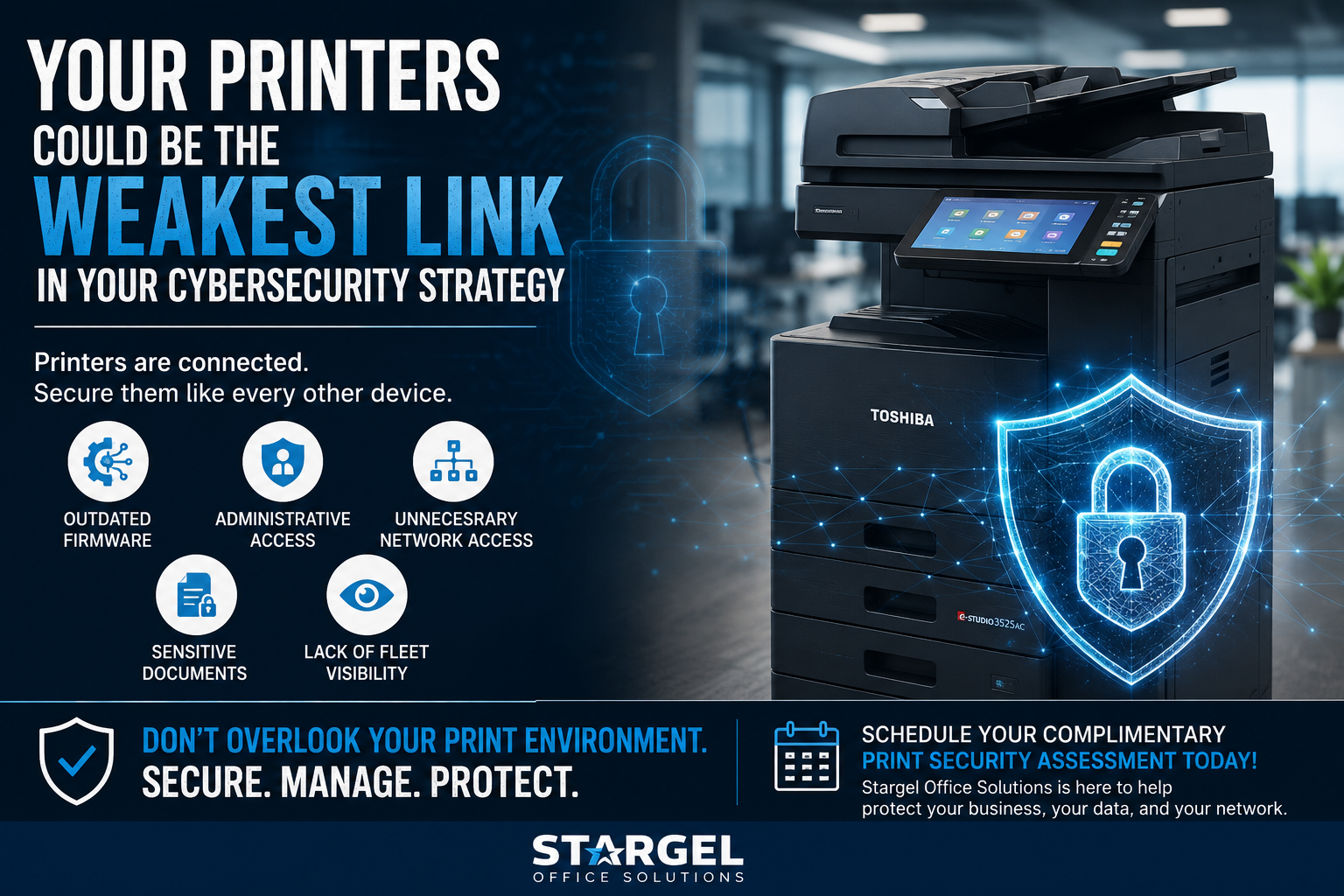
Print Security Assessment: Are Your Printers a Cybersecurity Risk?
Print Security Assessment: Are Your Printers a Cybersecurity Risk?
Estimated Read Time: 4 Minutes
A print security assessment can help your business find printer security risks that often go unnoticed.
When businesses think about cybersecurity, printers are not always the first devices that come to mind. However, today’s printers and multifunction devices connect to your network, computers, email systems, cloud applications, and document workflows.
Because of that, printers are more than office equipment.
They are network endpoints, and your business should manage them like one.
Why Printer Cybersecurity Matters
Modern printers can store, process, scan, send, and print sensitive information.
For example, your print environment may handle payroll files, HR records, financial documents, customer information, contracts, invoices, and internal reports.
However, many businesses overlook printers during cybersecurity reviews.
Over time, companies can build up older devices, uneven settings, outdated firmware, shared passwords, and printers that IT may not realize are still connected.
As a result, unmanaged printers can create unnecessary risk for your business.
A print security assessment helps your team understand where those risks may exist and what steps can improve control.
1. Review Outdated Printer Firmware
Printer manufacturers release firmware updates to fix issues, improve performance, and address security concerns.
However, printers do not always get included in normal update routines.
If your printers fall behind on firmware updates, they may become harder to manage and more exposed to security issues.
Therefore, businesses should review which devices need updates, which devices no longer receive support, and which printers may need replacement.
2. Check Administrative Access
Printer security also depends on who can access and change device settings.
Default passwords, shared logins, and broad administrative access can create gaps.
For example, if too many employees know the same admin password, your business may lose control over printer settings and security changes.
A print security assessment can help identify where access should be tightened, updated, or better managed.
3. Reduce Unnecessary Network Access
Many printers have services, ports, and settings enabled that your business may not need.
While these features can support different workflows, they can also increase exposure when no one reviews them.
For that reason, businesses should check whether each printer only uses the access, protocols, and services required for daily operations.
Reducing unnecessary access can help make your print environment easier to manage and more secure.
4. Protect Sensitive Printed Documents
Printer cybersecurity is not only about network settings.
It is also about what happens to sensitive documents after employees click print.
Payroll files, HR records, financial reports, legal documents, and customer data can easily sit in an output tray if employees print and walk away.
Secure print release can help solve this problem.
With secure print release, documents print only when the approved user is physically present at the device. As a result, businesses can reduce the risk of sensitive pages being seen, taken, or misplaced.
5. Improve Printer Fleet Visibility
One of the most important questions in printer security is simple:
Do you know every printer connected to your network?
Many organizations know how many laptops, servers, and phones they manage. However, they may not have the same visibility into printers and multifunction devices.
Your business should know:
- How many printers are connected to the network
- Where each device is located
- How old each printer is
- Which devices receive updates
- Which devices store or process sensitive documents
- Which devices may need replacement
Without this visibility, IT teams may struggle to protect the full environment.
How Managed Print Services Can Help Improve Printer Security
Managed Print Services is about more than toner and service.
A well-managed print environment can help your organization gain better visibility, consistency, and control over printers and multifunction devices.
With the right managed print partner, your business can:
- Identify connected printers
- Track device age and location
- Improve firmware visibility
- Standardize equipment
- Review security settings
- Implement secure print and authentication
- Replace aging or unsupported devices
- Create a more manageable printer fleet
The goal is simple: give IT greater control over the print environment.
In addition, strong printer management supports broader cybersecurity planning because it helps your business understand every device connected to the network.
For additional background, the Center for Internet Security recommends secure configuration practices for enterprise assets and software, including changing default settings and maintaining secure configurations. Learn more from the Center for Internet Security.
Why This Matters for Businesses in Houston, Austin, and Central Texas
Businesses in Houston, Austin, Round Rock, Brenham, Navasota, and Bryan/College Station rely on printers and multifunction devices every day.
These devices support invoices, customer records, contracts, HR paperwork, service documents, shipping forms, and internal reports.
However, if those printers are not properly managed, they can create security gaps and unnecessary business risk.
A print security assessment from Stargel Office Solutions can help local businesses review printer fleet visibility, device age, firmware status, secure printing options, and opportunities to improve control.
Is Your Printer Fleet Part of Your Cybersecurity Strategy?
Your organization may already secure laptops, servers, mobile devices, cloud applications, and email.
But what about your printers?
When was the last time your organization reviewed the security of your print environment?
If the answer is never, or you are not sure, now is a good time to start.
Stargel Office Solutions can help identify potential risks, aging equipment, security gaps, and opportunities to create a more standard and manageable print environment.
Protecting your network means understanding every device connected to it, including your printers.